No Cloud. Your Photos, Your PC.
Back Up Your Photos to Your Own PC
Automatically backs up your Android photos and videos to your PC, so you always have a safe, private copy.
See Backy in Action (1:07)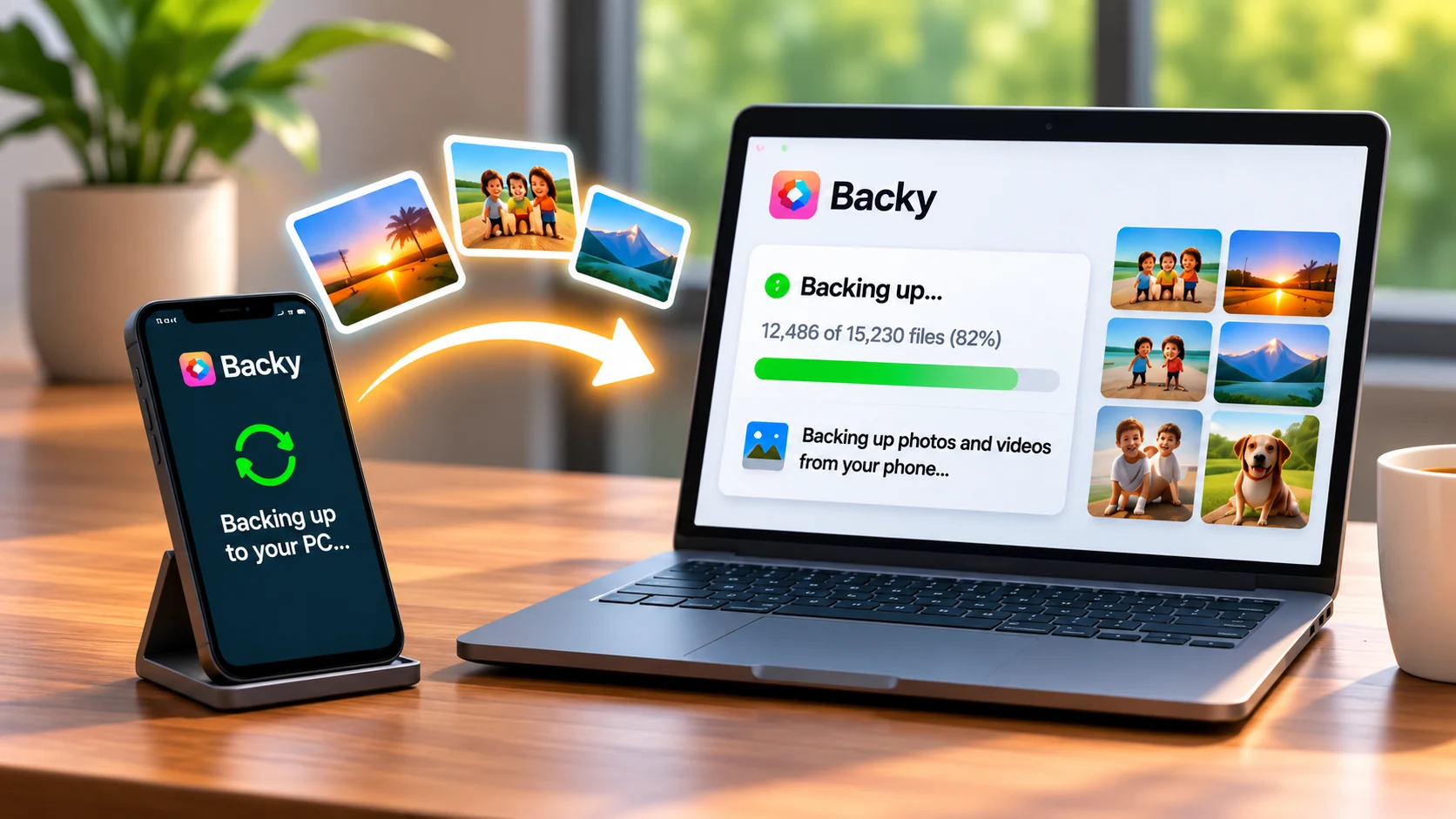
- Stored on your PC
Your photos stay on your own computer.
- Automatic backup
New photos and videos are backed up automatically.
- No cloud storage
No monthly fees and no storage limits.
- Private & local
Your photos remain yours, on your network.
How It Works
Simple as 1, 2, 3, 4.
02
Install on Your PC
Run the Backy app on Windows or Mac. It stays quietly in the background.
Download EXE03
Connect Over Wi-Fi
Make sure your phone and PC are on the same network. Backy finds them automatically.
04
Back Up Your Photos
Your phone automatically starts backing up photos and videos from your gallery to your PC.
Backy vs Google Photos
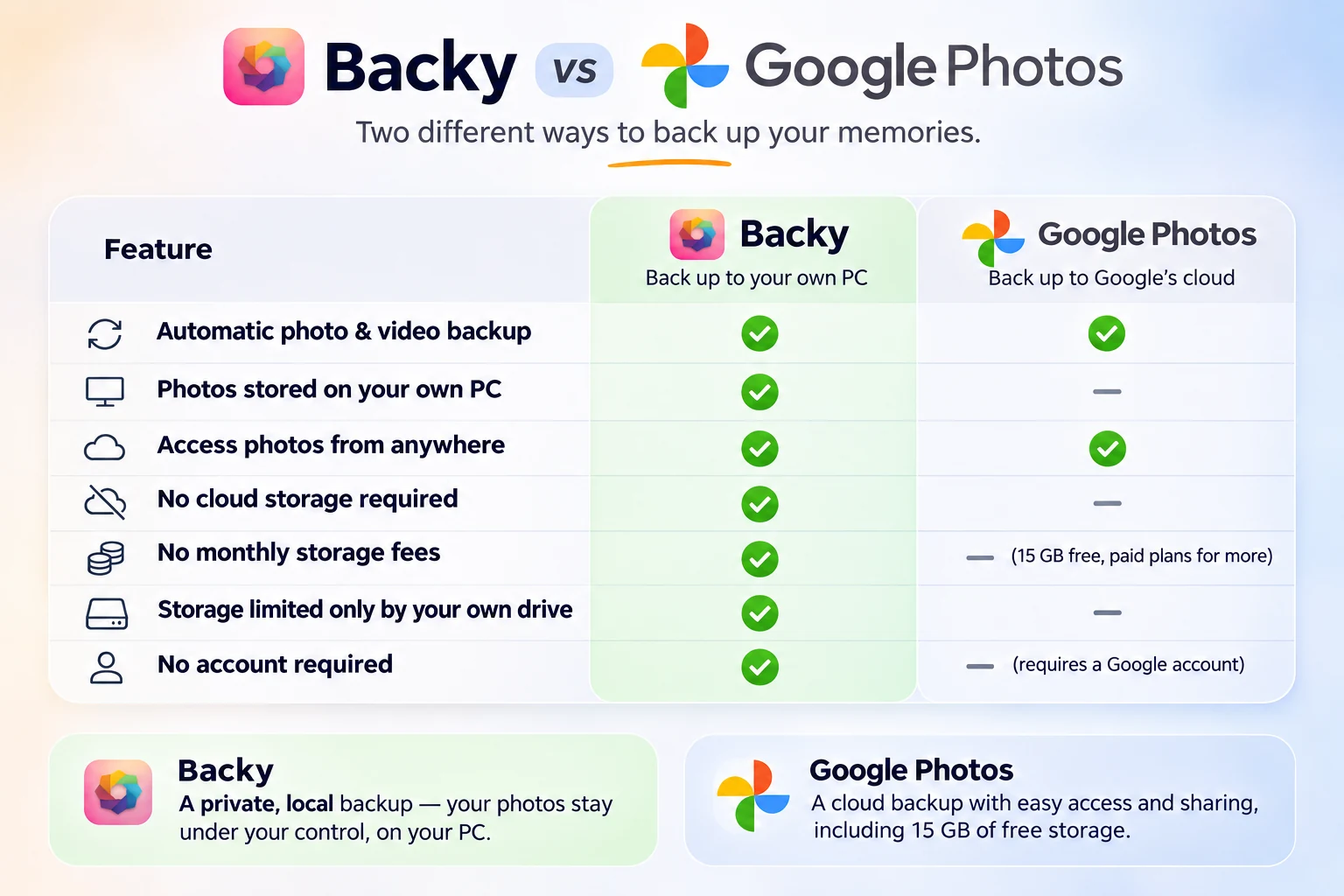
Read the comparison
| Feature | Backy | Google Photos |
|---|---|---|
| Automatic photo and video backup | Yes | Yes |
| Photos stored on your PC | Yes | Cloud storage |
| Access photos from anywhere | Yes | Yes |
| No cloud storage required | Yes | No |
| No monthly storage fees | Yes | Up to 15 GB shared across Google services. Paid plans for more. |
| Storage limited only by your own drive | Yes | Google account storage limit |
| No account required | Yes | Google account required |